 Mike Nolan
f73c45bb48
Mike Nolan
f73c45bb48
All checks were successful
Build and Deploy on Tag / 🔨 Build (push) Successful in 22s


TYTD 2025
My web based YouTube downloader that I created in 2025 written in CrossLang, my own language
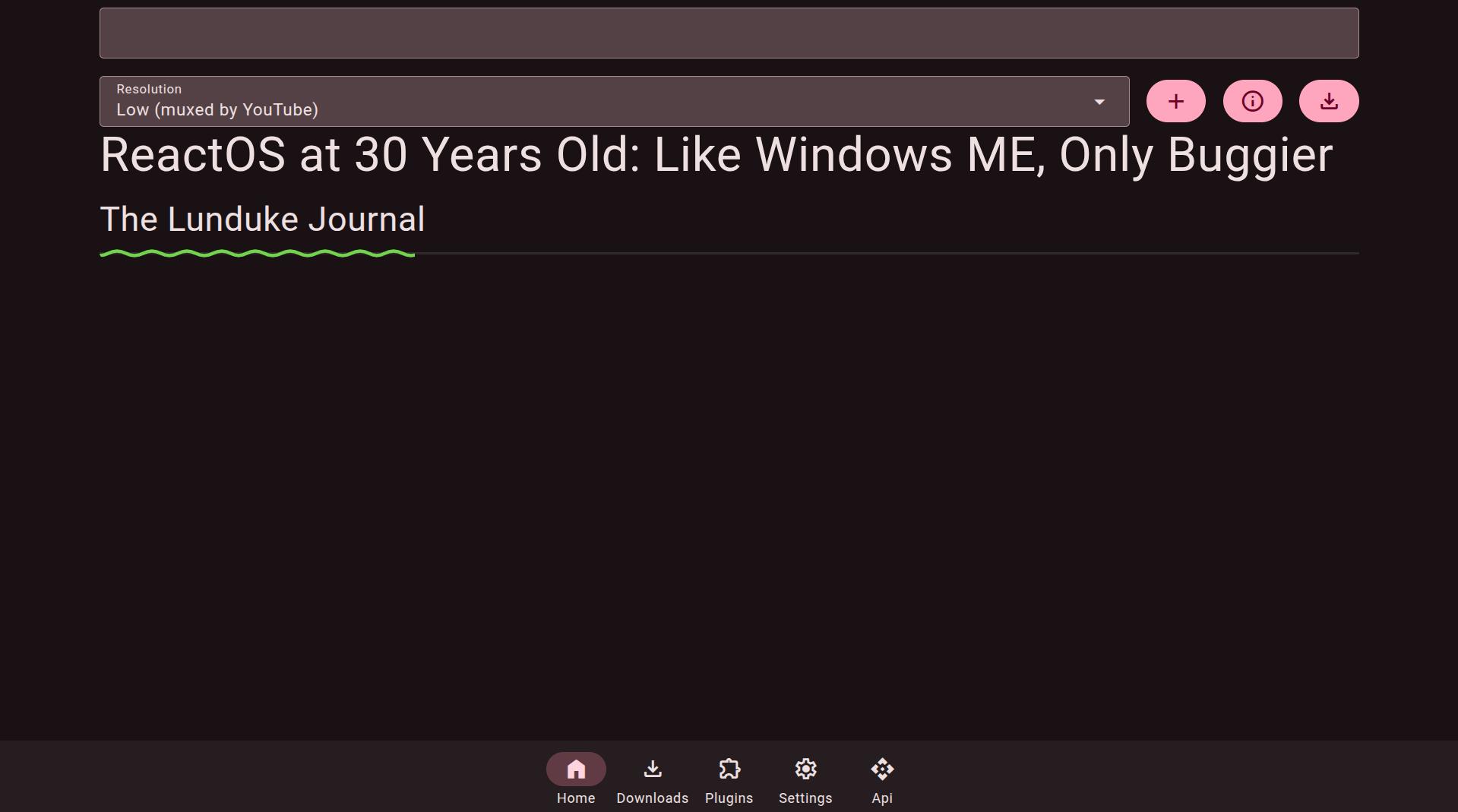
Features
- PWA with the ability to add videos when server is down
- Can download videos, playlists and channels (you need a channel url like this https://www.youtube.com/channel/UCBa659QWEk1AI4Tg--mrJ2A)
- Can subscribe to channels
- Can create playlists (that are stored on the server)
- Search and browse your downloaded videos, playlists, or channels (the search is very basic though)
- User accounts
- Videos can be tagged based on your downloader's TYTD tag (to determine which instance downloaded it)
- Plugins from CPKG or any CPKG compliant server
- Can download YouTube videos either Low quality (but doesn't) require ffmpeg, MP3, FLAC or AMV (these do need ffmpeg in your PATH however)
- Runs on the Wii using the Wii Linux Continuation Project (albeit extremely slowly, despite this that's where I run it)
What this project uses (attribution)
I don't feel like storing their licenses in my project, so I link to their projects instead
- SQLite3 for it's database (embedded into TessesFramework)
- BeerCSS for its webui, licensed under MIT
- HTMX for the SPA experience
- FFmpeg if you convert the videos, uses the cli
- YouTubeExplode for some of its json payloads
- NewPipe for some of its json payloads
- Material Symbols Font (wget from beercss css files)
- VideoJS for video player
- CrossLang My programming language
To Install
Install crosslang
from source:
git clone https://git.tesses.org/tesses50/tytd2025
cd tytd2025/Tesses.YouTubeDownloader.Server
crosslang install-webapp
from package manager:
crosslang install-webapp Tesses.YouTubeDownloader.Server
To Run
Save to videos:
crosslang webapp tytd2025 --port=3255
Save to a folder (unix):
# Replace /path/to/tytd with the folder you want
export TYTDDIR=/path/to/tytd
crosslang webapp tytd2025 --port=3255
Save to a folder (windows):
REM Replace C:\path\to\tytd with the folder you want
SET TYTDDIR=C:\path\to\tytd
crosslang webapp tytd2025 --port=3255
License is GPLv3-or-later